22nd May 2026
video
From Alarms to Answers:
Stoppage Insights Arrives in ECS™ 9.2ECS/ControlCenter™ 9.2
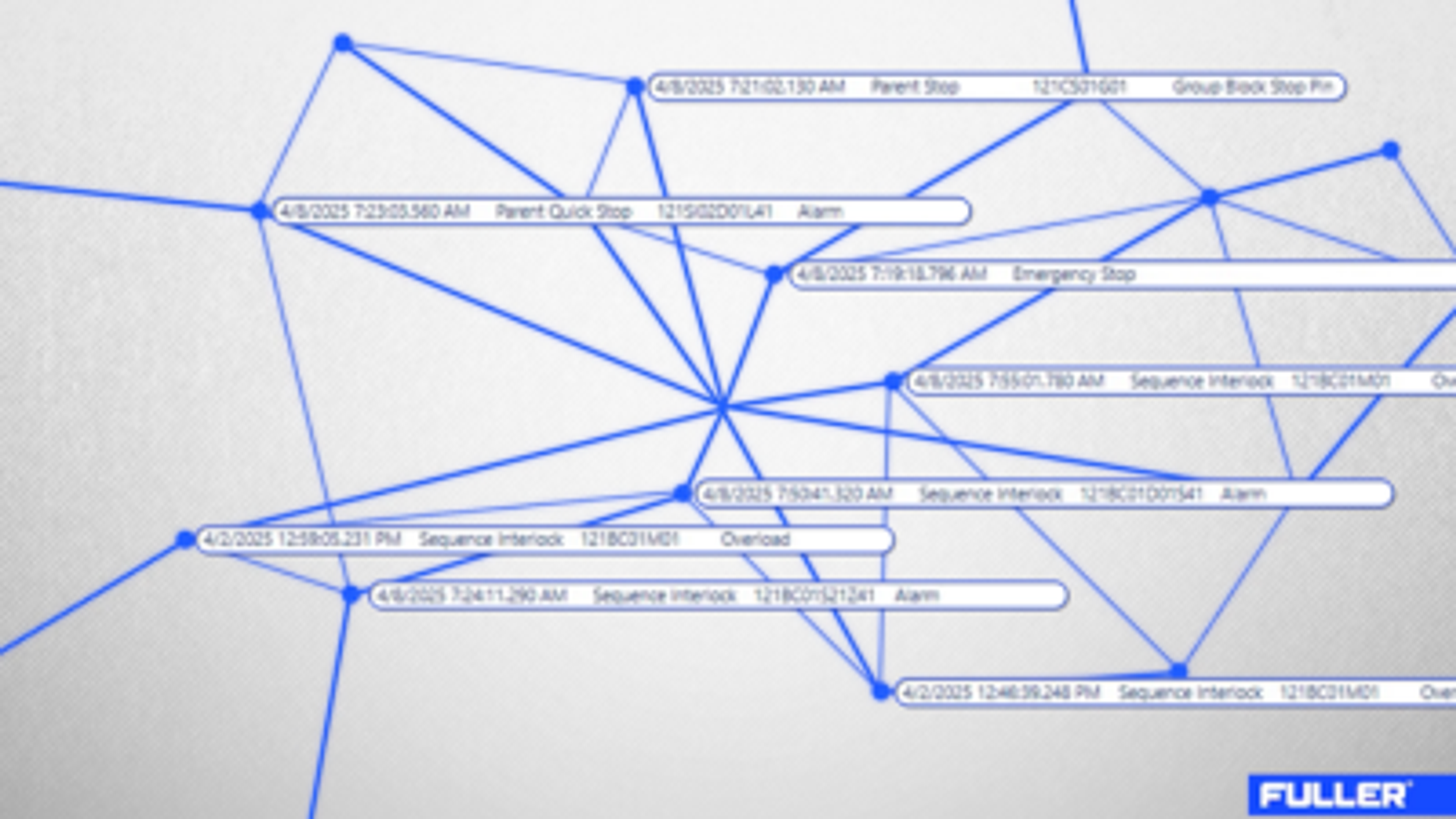
A raw mill drive trips. Within seconds, downstream equipment cascades to a stop. The alarms tell you what failed - not what started it. Operators piece together the chain after the fact, while production sits idle.
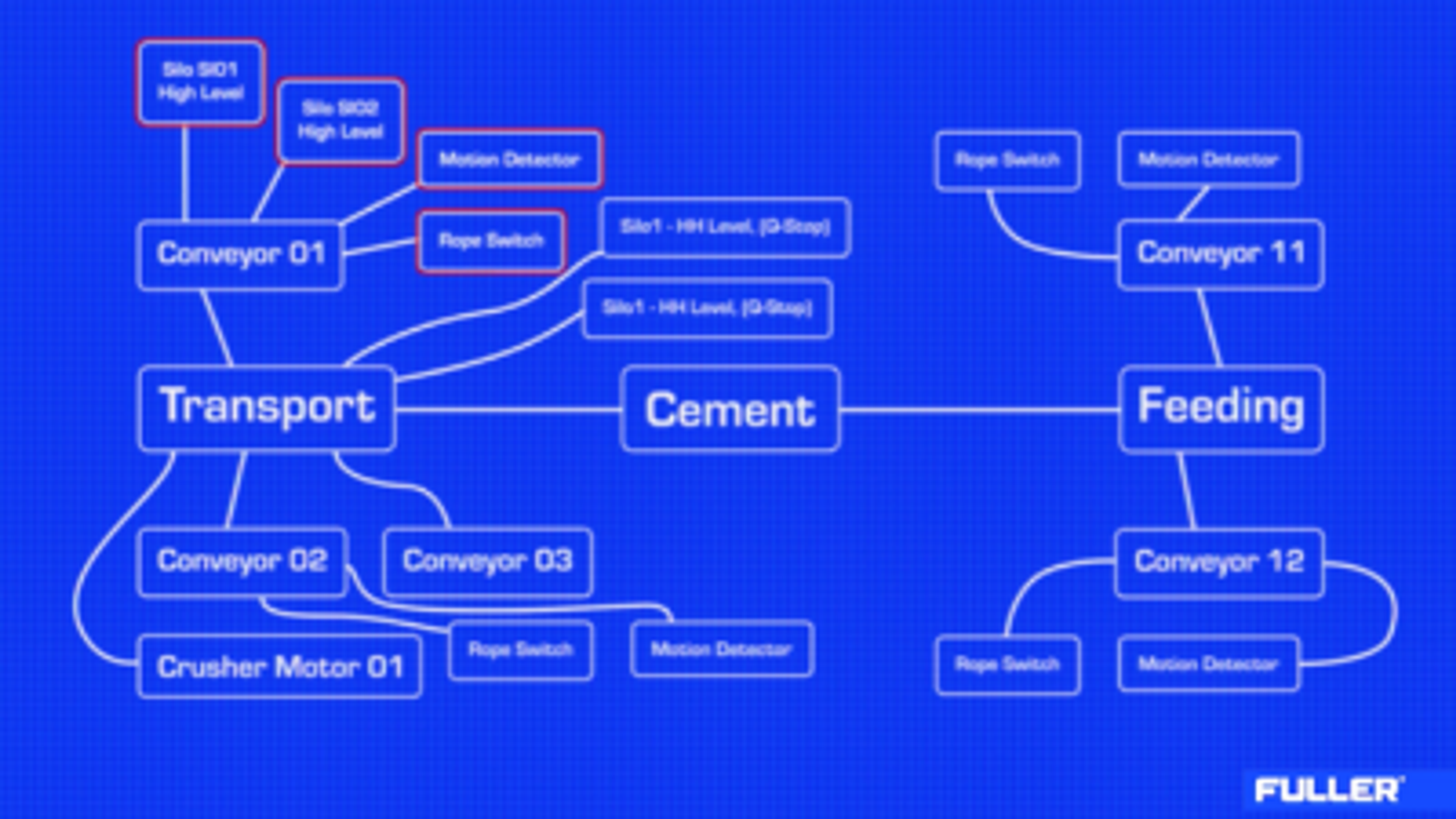
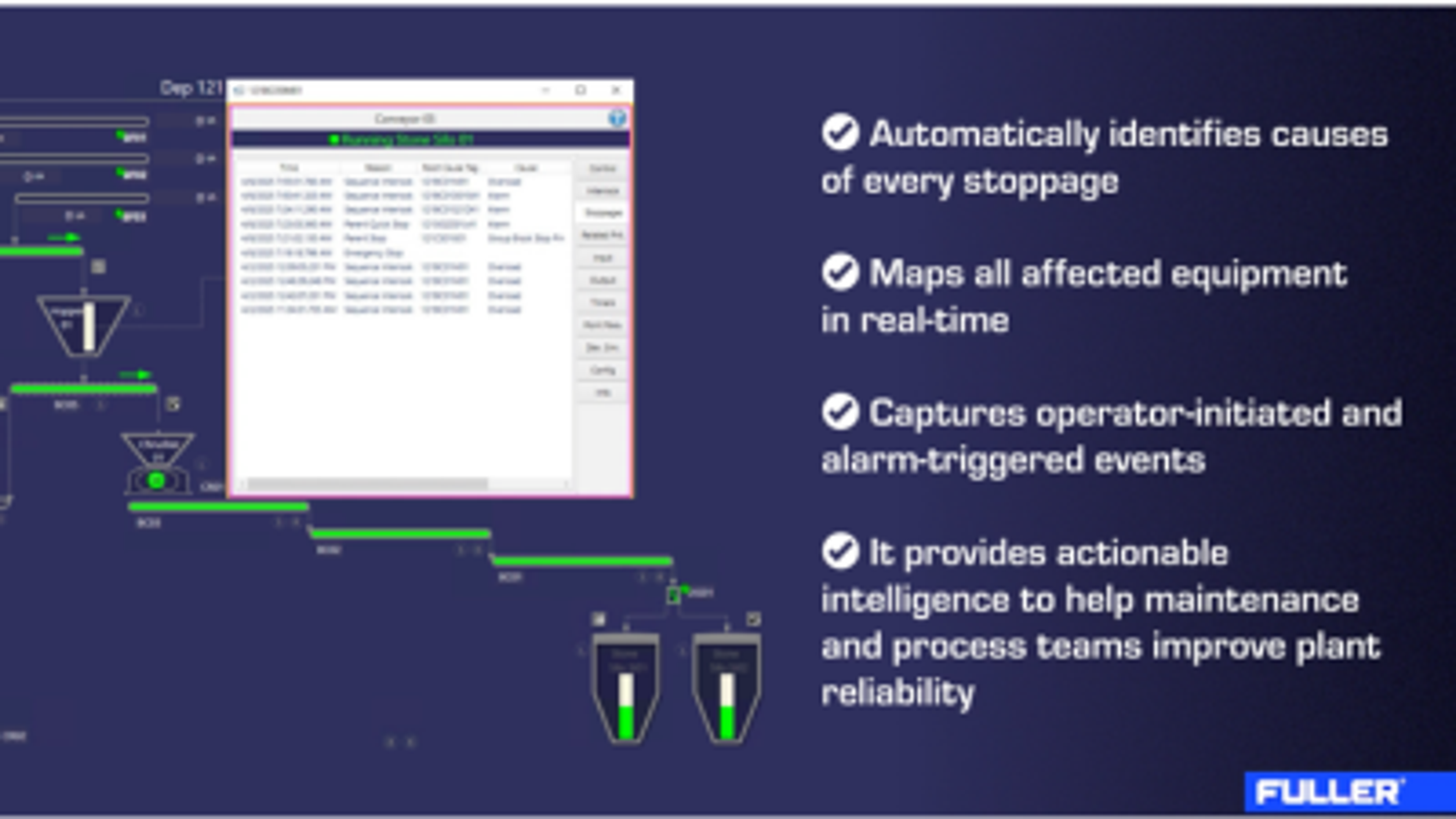
That detective work is exactly what Stoppage Insights removes from the job. Built on the ECS/ACESYS™ 9.0 programming library and delivered with ECS/ControlCenter™ 9.2, it identifies the primary event the moment it happens and maps every affected piece of equipment - handing operators the answer instead of the puzzle.
The feature is part of the wider 9.2 release, available now for greenfield projects, ECS upgrades, and brownfield replacements of competitor systems.
For more detail, read our original announcement, Turning Downtime into Actionable Intelligence.
David Campain, Global Product Manager - Process Control Systems
Stoppage Insights in ECS™ 9.2
One Click to the Root Cause
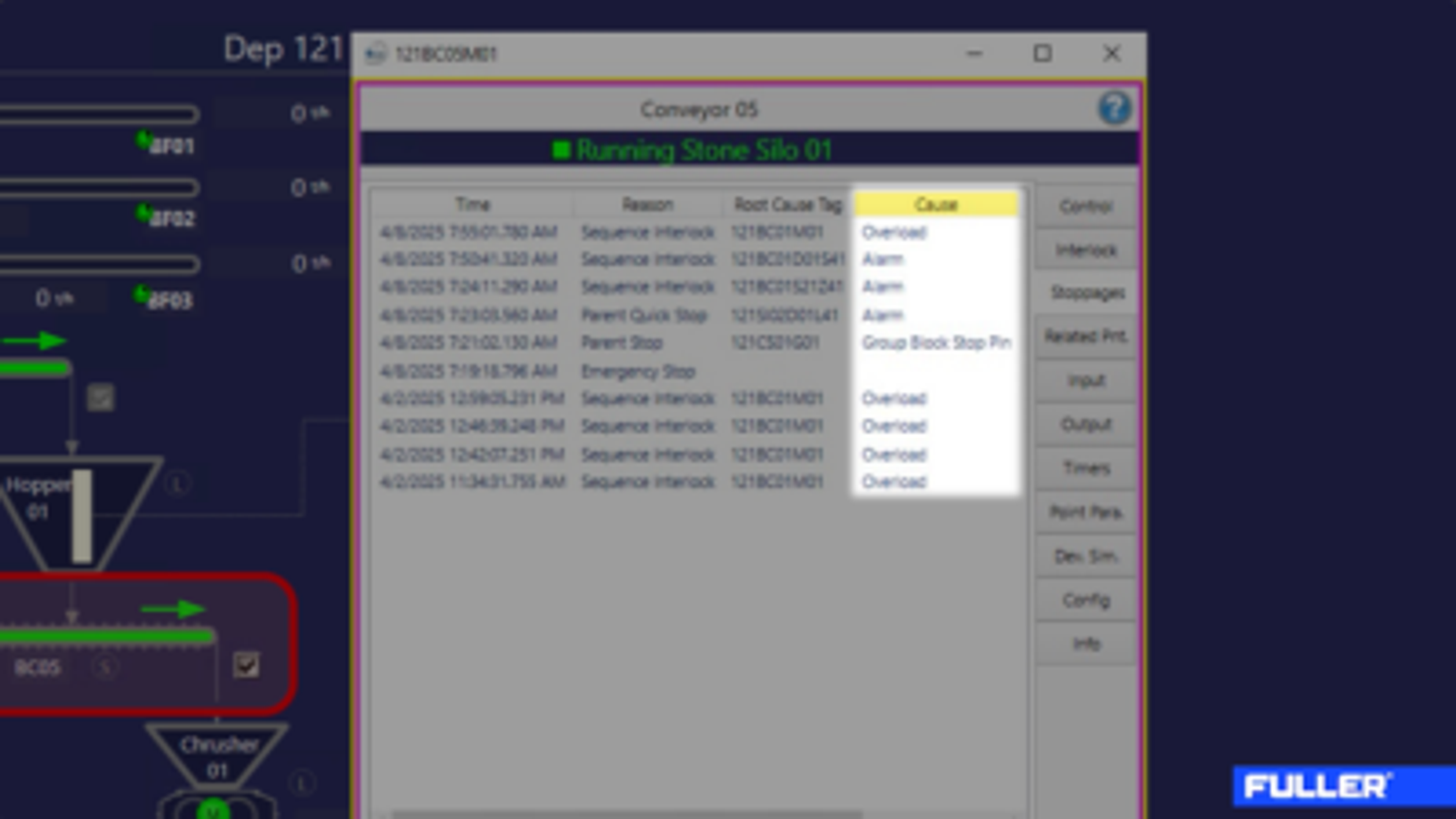
In a normal control room, identifying why a motor stopped means cross-referencing alarm logs, interlock chains, and operator actions. Stoppage Insights collapses that work into a single interaction. Click any stopped motor's faceplate and the system shows the primary event, the interlocks that tripped, and all affected units.
An ISA 18.2-style first-out alarm system flags the leading alarm and stops there. But a stoppage isn't always alarm-driven. Operators stop equipment. Interlocks trip. Our approach captures all three pathways in the same view.
Records the Maintenance Team Will Actually Use
Maintenance and reliability teams log stoppage causes manually. The records are inconsistent and rarely structured for analysis.
ECS™ 9.2 replaces that with automated, exportable stoppage data - ready to feed CMMS, ERP, or MES systems. Recurring causes surface on their own. Preventive maintenance plans can be built from structured stoppage evidence instead of guesswork.
Built to Travel Across Plants
Stoppage Insights runs on ACESYS, the structured automation logic at the core of the ECS platform. Because ACESYS runs across Siemens, Schneider, Rockwell, and other major platforms, the feature isn't tied to a single vendor stack. ECS™ 9.2 also carries IEC 62443-4-1 cybersecurity certification, and Stoppage Insights data will flow into ECS/UptimeGo for longer-term trending and reliability reporting as that integration rolls out.
The Next Cascade Will Look Different
Every minute spent reconstructing a stoppage is a minute production isn't running. Stoppage Insights takes those minutes back: the control system reconstructs the cascade itself, the moment it happens.
The next cascade event in plants running ECS™ 9.2 with Stoppage Insights will look different from the last one - the same alarm flood, but the root cause and impact map already on screen. When something stops, you won't just know that it happened. You'll know why.
Related Offerings


.png?w=1080&q=80&auto=format)